
Search our documentation
Register for an Account
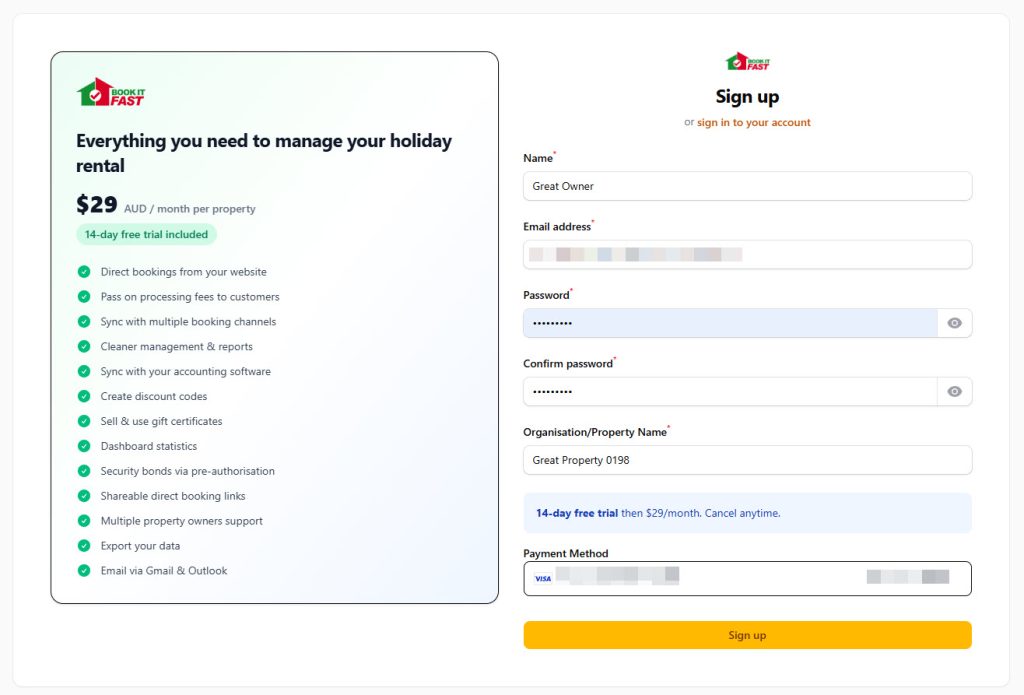
Get started with Book It Fast by creating your free account.
How to Register
- Go to bookitfast.app/admin/register
- Enter your name and email address
- Create a secure password
- Click Register
- Check your email for a verification link
- Click the verification link to activate your account
What’s Next?
After registering, you’ll need to verify your email and then you will be guided through setting up your first property, including:
- Property details and address
- Pricing and availability
- Payment settings
- Distributions
Need help? Contact Book It Fast support at bookitfast@bookitfast.app